Early access is open
Test prep that tells you the truth about your score.
Verdict is a complete study platform for the LSAT®, with a beginner course, timed sections, blind review, and a study plan that adapts to you. Its score estimate is deliberately conservative, so you get a realistic picture of where you stand.
- Original questions written for Verdict
- No AI and no ads
- Works on phone, tablet, and computer
Verdict is in development. Screens show sample data, and features and pricing may change before launch.
A score you can trust, even when it isn’t the one you hoped for.
It’s easy for a practice score to look better than it really is. Verdict is designed to tell you where you actually stand. It reports your estimate as a range, and it only says you’re improving when the change is too large to be chance.
- Only first attempts count.Answering a question you’ve already seen measures memory, not skill, so Verdict scores only your first attempt.
- Pace matters.Untimed answers that take far longer than test pace earn half credit, because the real test won’t give you that extra time.
- Hints don’t count.If you view the strategy before answering, that question isn’t included in your estimate.
- Official results take priority.When you log a score from an official practice test, Verdict recalibrates around it. If your official score is lower, your estimate comes down to match. If it’s higher, your estimate rises only slightly until your practice confirms the gain.
Everything in Verdict is built for one moment: walking into test day knowing exactly where you stand.
Take the tour.
See how Verdict works, from your first practice question to your score range. Study in short sessions on your phone and take full-length tests on your computer, with your progress synced across every device.
A narrated tour, about two and a half minutes, using sample data. Turn your sound on, or follow the captions on screen.
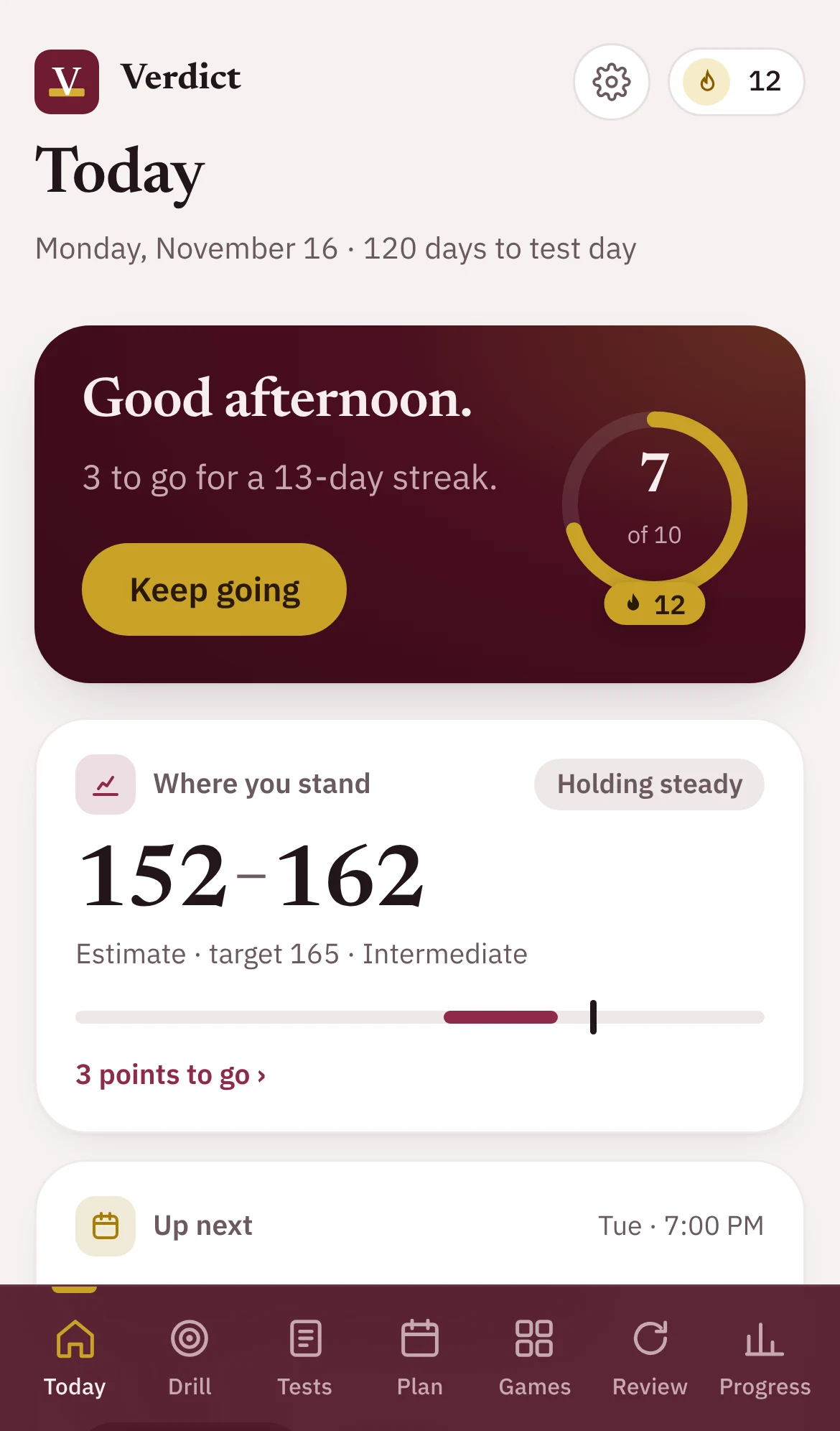
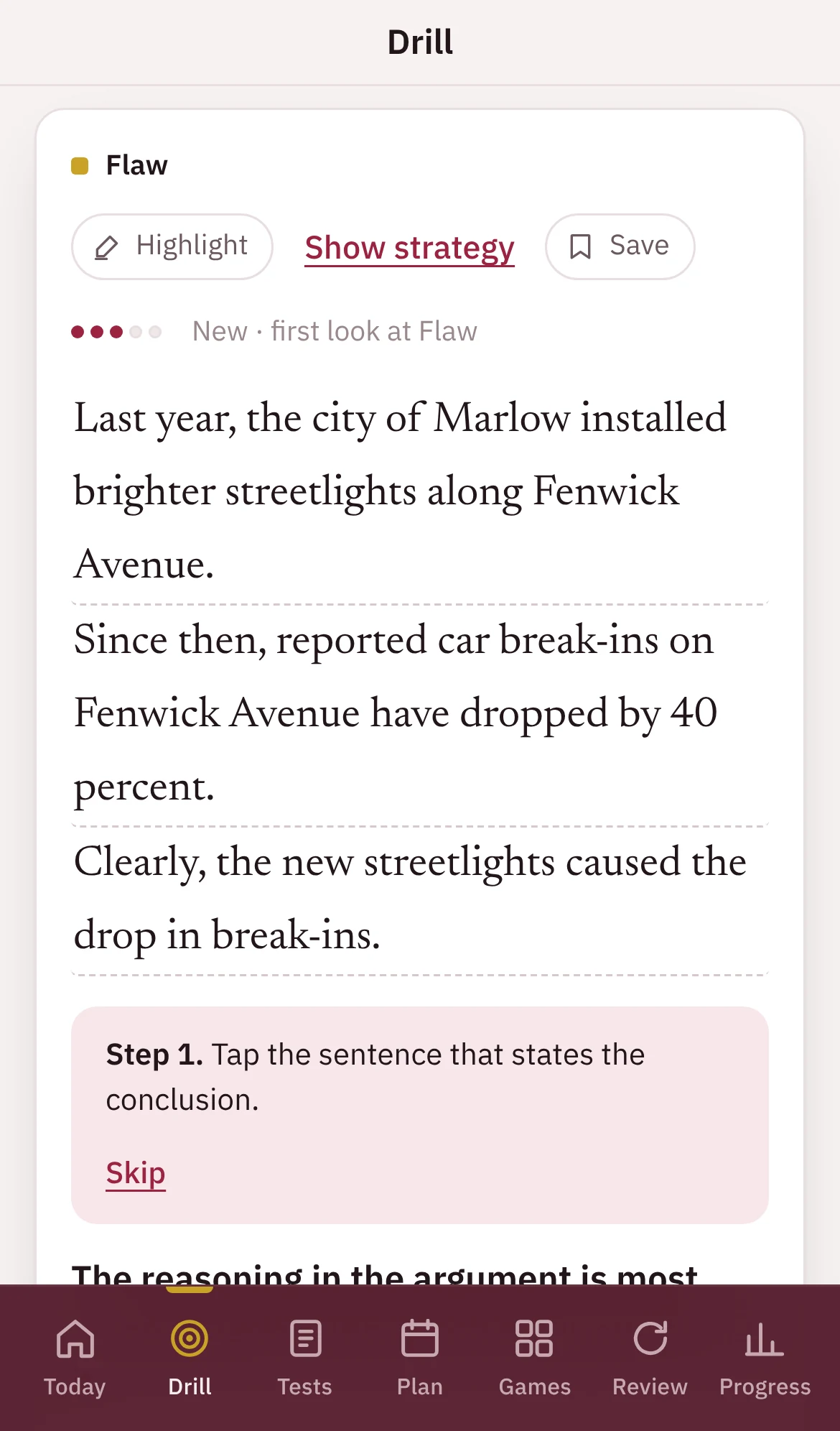
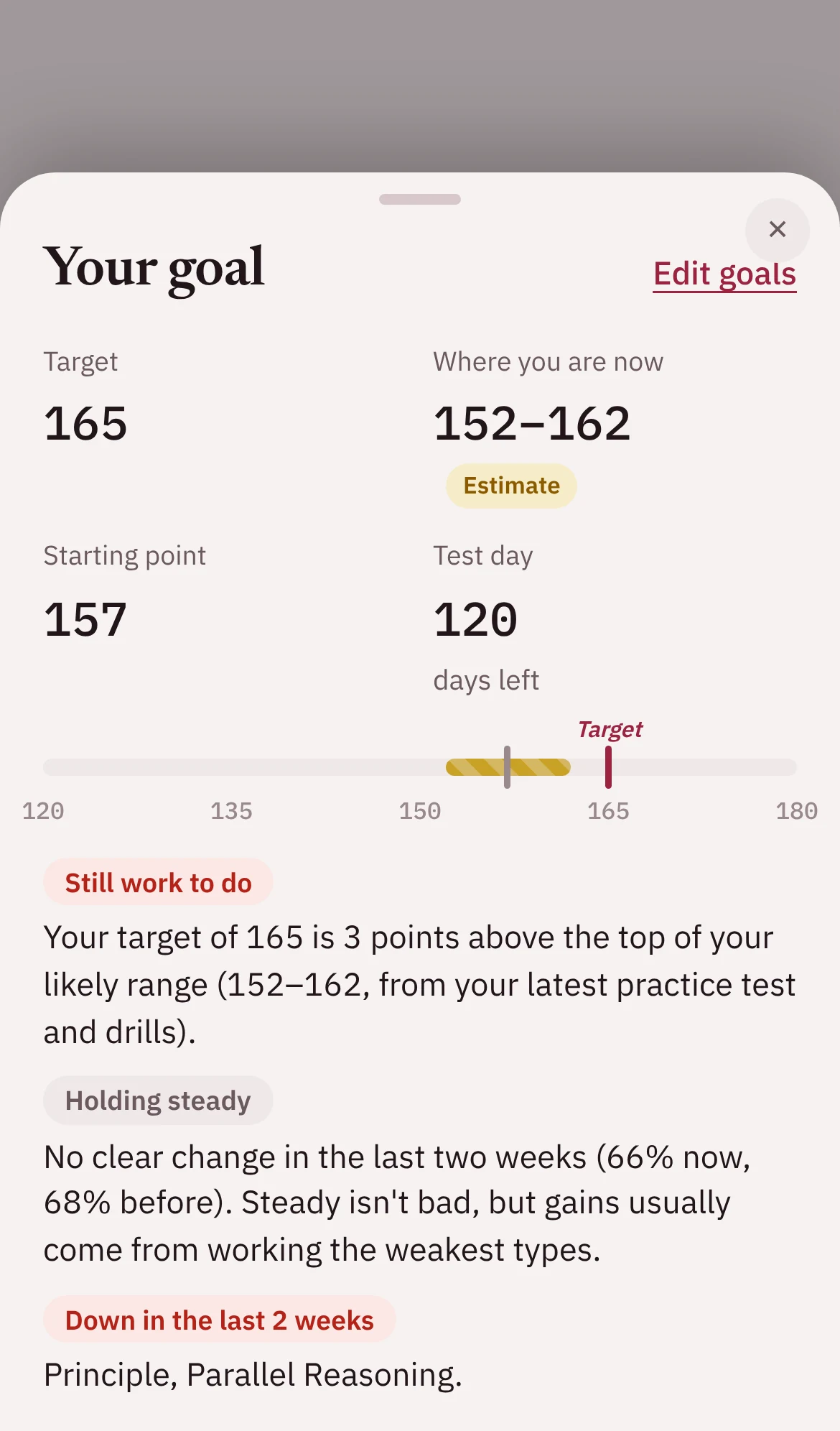
Screens show sample data.
Try a puzzle right here.
This is Spot, one of Verdict’s five daily games. Read the short argument and tap the sentence that states its conclusion. Three rounds, each a little harder, and new arguments every time you play.
Round 1 of 3
A plan that starts where you are.
Tell Verdict where you’re starting, or take a practice test. Your level determines the questions you see, the pace of your plan, and when full-length tests begin. As you improve, your level moves up with you.
Beginner
A step-by-step course with easier, untimed questions. Timed practice begins once the fundamentals are in place.
Intermediate
Mixed practice focused on your weakest question types, timed sections, and a full-length test every few weeks.
Advanced
Harder questions, more timed sections, and a full-length test every two weeks with blind review.
Expert
The most difficult questions at test pace and a weekly full-length test, with an emphasis on consistency.
New to the LSAT®? Start with the Beginner course.
Twelve short units, each pairing a brief lesson with a set of practice questions. Score 75% or higher to unlock the next unit.
- How the LSAT® works
- Finding the conclusion
- Describing an argument
- What must be true
- If-then logic
- Assumptions
- Strengthen and weaken
- Spotting flaws
- Paradoxes and principles
- Reading comprehension
- The tougher question types
- Your first timed section
Everything you need, in one place.
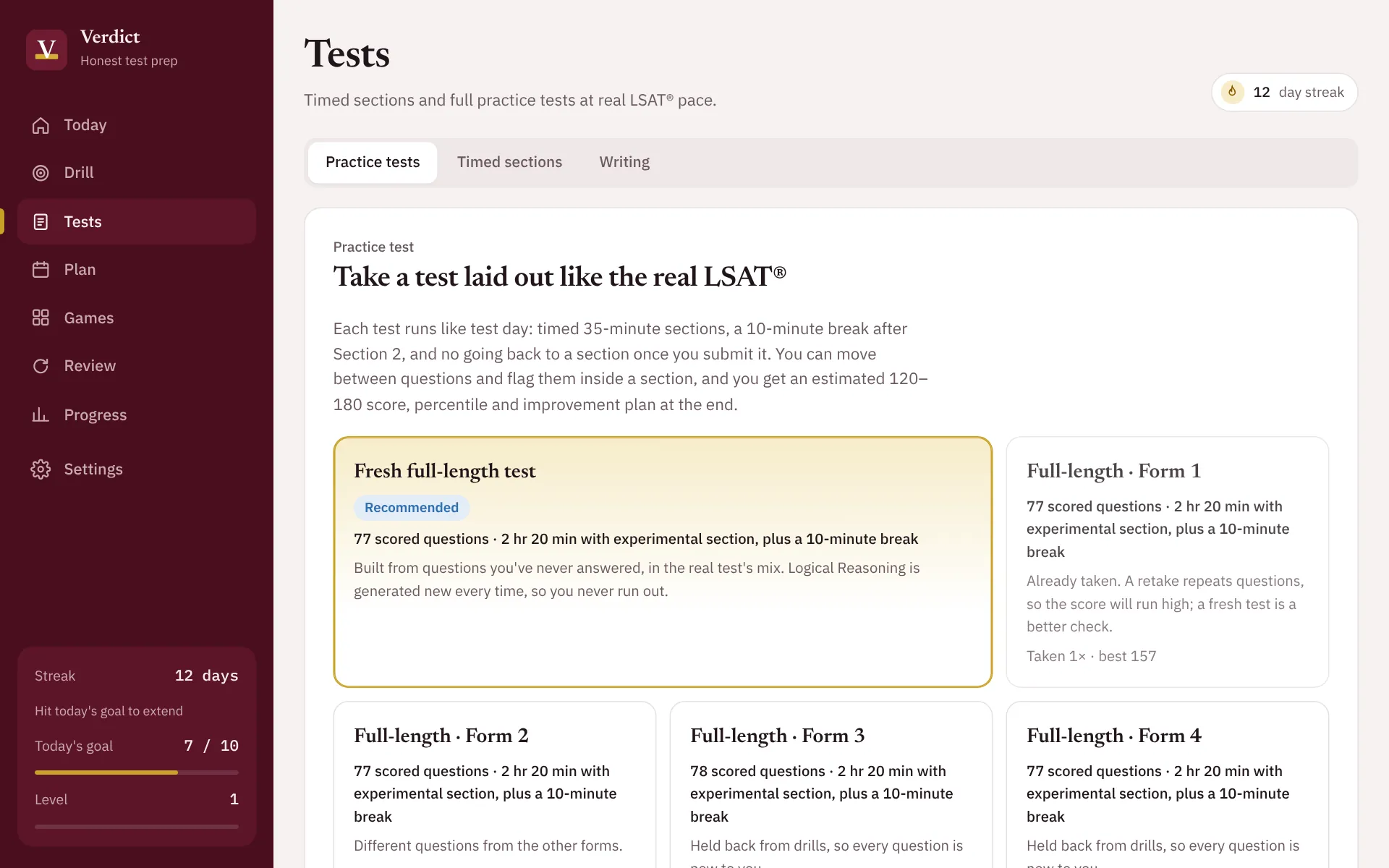
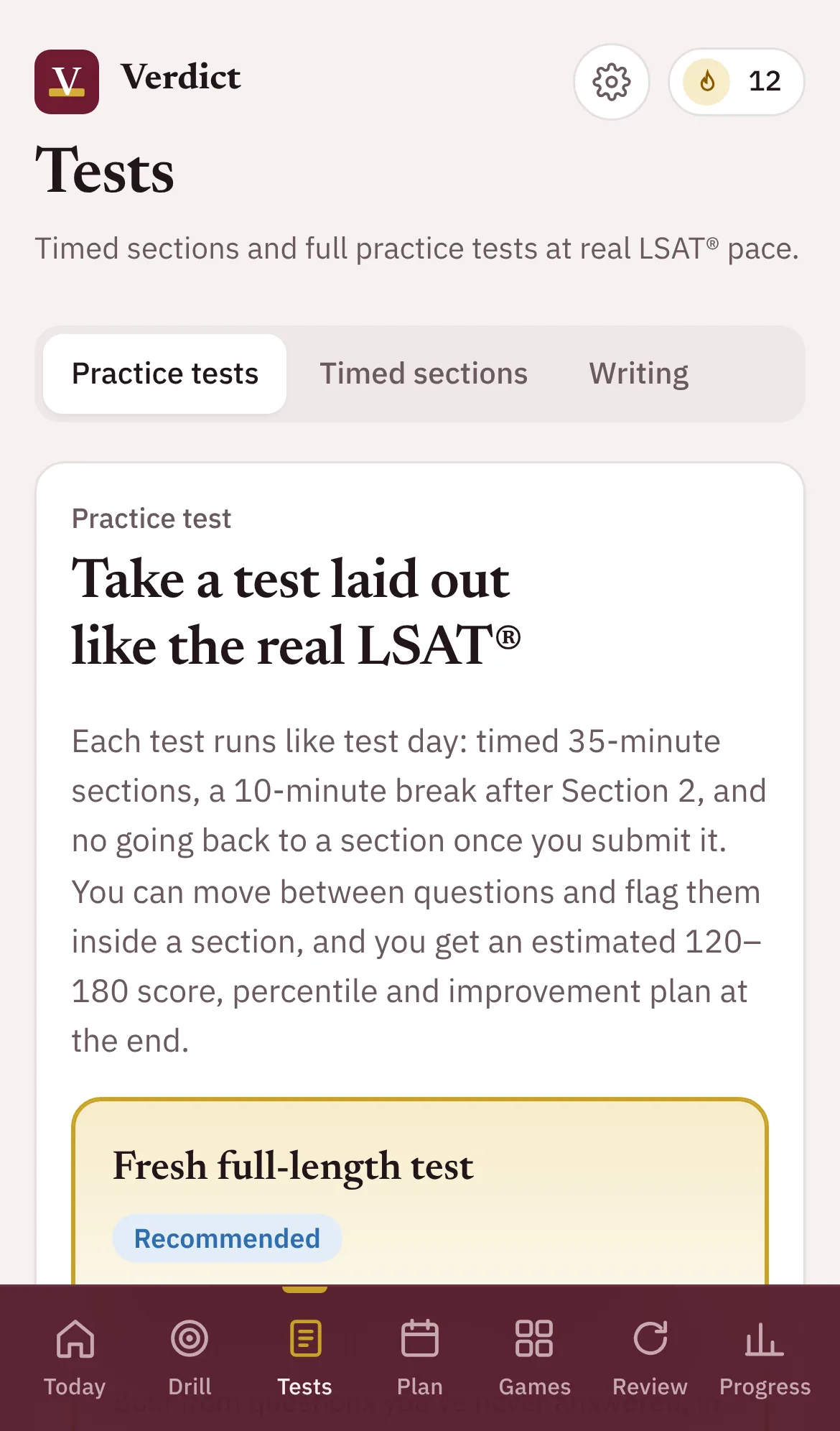
Works on every device. Add Verdict to your home screen, study offline, and continue on any device right where you left off.
Simple pricing at a fraction of the cost of many full prep courses.
One plan with every feature included. No tiers and no upsells.
Cancel anytime.
Save $100 compared with paying monthly.
Included in both
- Every practice question, explanation, and test
- Beginner course and flashcards
- Study plan, mistake journal, and skill levels
- Daily logic games and writing coach
- Admissions planner and sync across devices
Prices shown are preliminary and may change before launch. Early-access members will be the first to hear about final pricing and founding-member rates.
Frequently asked questions
Does Verdict include official LSAT® questions?
No. Every Verdict question and passage is original, written to reflect the style of the real test. If you take official practice tests elsewhere, you can log those scores in Verdict so your estimate and study plan reflect them.
Does Verdict use AI?
No. Your questions, explanations, scores, and study plan come entirely from Verdict’s own content and scoring rules. Nothing you enter is sent to an AI service.
I’m brand new to the LSAT®. Is Verdict right for me?
Yes. Choose “Brand new” when you sign up, and Verdict will start you on the Beginner course, introducing one concept at a time with easier questions and no timer until you’re ready.
How accurate is the score estimate?
No practice tool can guarantee your exact score. Verdict shows a range rather than a single number, is intentionally conservative, and recalibrates whenever you log a score from an official practice test.
Which devices does Verdict work on?
Verdict runs in any modern browser on iPhone, iPad, Android, Mac, or Windows. Add it to your home screen to use it like an app, even offline.
How do I get help if something isn’t working?
Email us at [email protected] and tell us what you were doing when the problem happened. In the app, you’ll also find this address under Settings, and you can flag a mistake in any question with Report a problem.
Is Verdict affiliated with LSAC®?
No. Verdict is an independent study tool. It is not affiliated with, endorsed by, or sponsored by the Law School Admission Council, and its score estimates are not official scores.
Be among the first to use Verdict.
Join the early-access list for the first invitations and founding-member pricing.